A smaller video does not always keep the same quality. Keep the original, compress a copy, and watch the copy before you share it. Unless you have a strict upload limit, start with the quality mode in the video compressor.
Three real encodes of the same clip
The test clip is 10 seconds of 1080p, 24 fps live action with no audio. It was encoded on September 24, 2026 with desktop FFmpeg 8.1 on Windows, using H.264 and the fast preset, once per setting. The source is 23,282,168 bytes. MB below means 1,000,000 bytes.
| Setting | Output bytes (MB) | Reduction |
|---|---|---|
| CRF 23 | 3,686,686 (3.69 MB) | 84.2% |
| CRF 28 | 1,827,517 (1.83 MB) | 92.2% |
| CRF 36 | 734,363 (0.73 MB) | 96.8% |
CRF is the quality setting: a higher CRF usually gives a smaller file with less detail. These reductions are for this clip, not for every phone recording. A video that is already compressed may shrink much less.
Compare the same frame at three seconds
Each image was taken from the actual output files. When the whole frame is scaled down, the differences are hard to see, so the close-ups show the printed T-shirt area (480×270 pixels at full resolution) at 2x. A still image cannot show problems that appear only in motion.
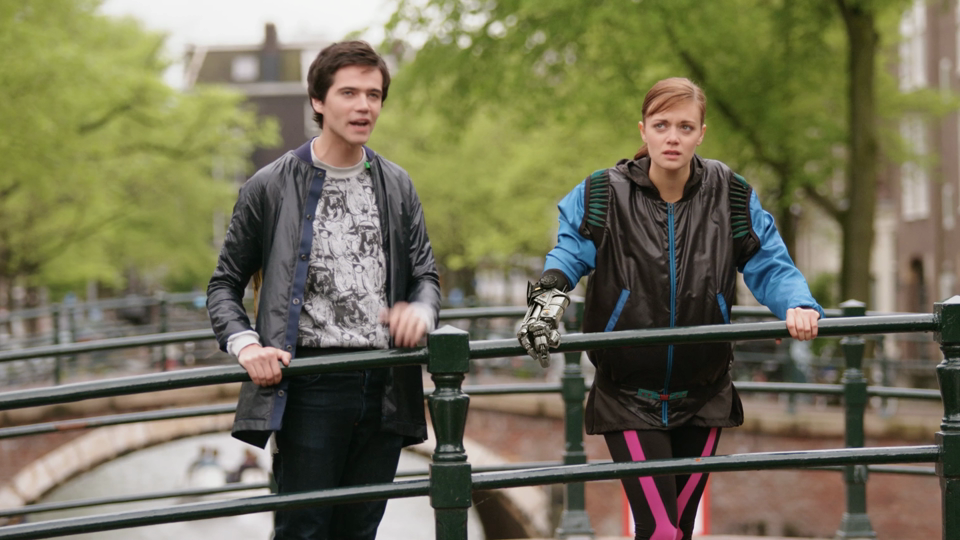
Source (zoomed)
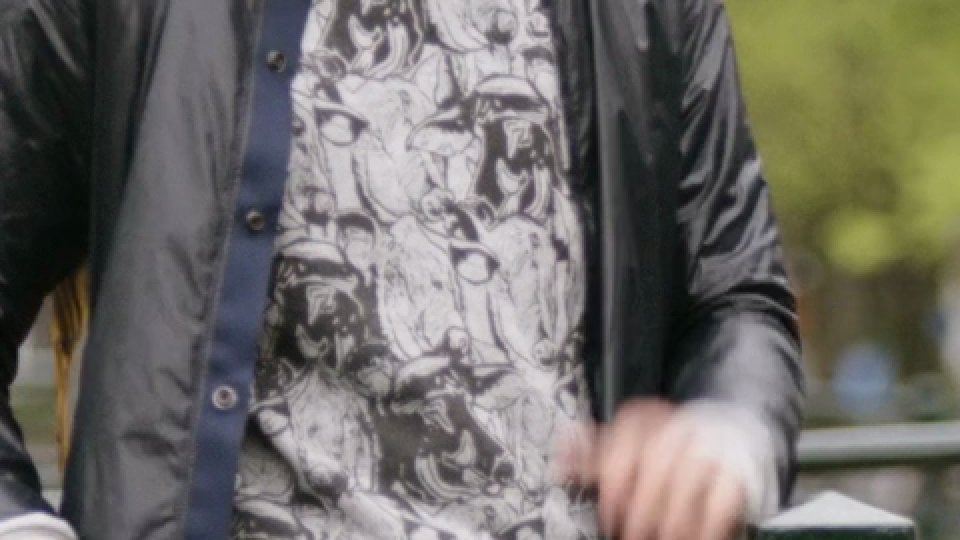
CRF 23: 3.69 MB
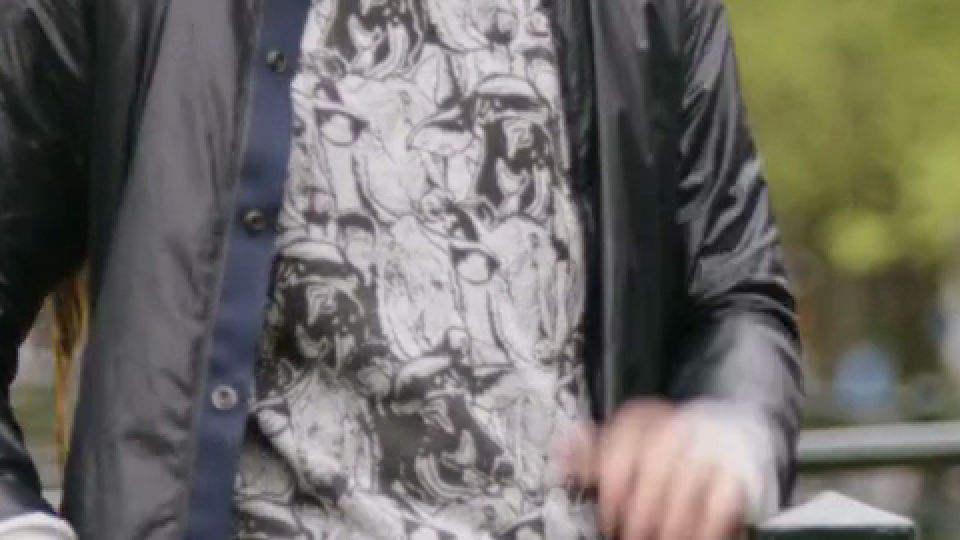
CRF 28: 1.83 MB
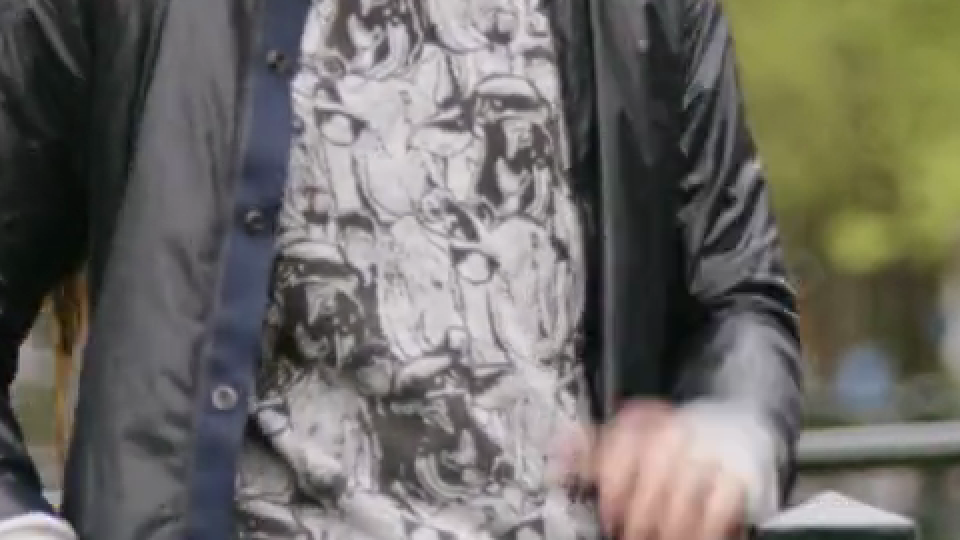
CRF 36: 0.73 MB
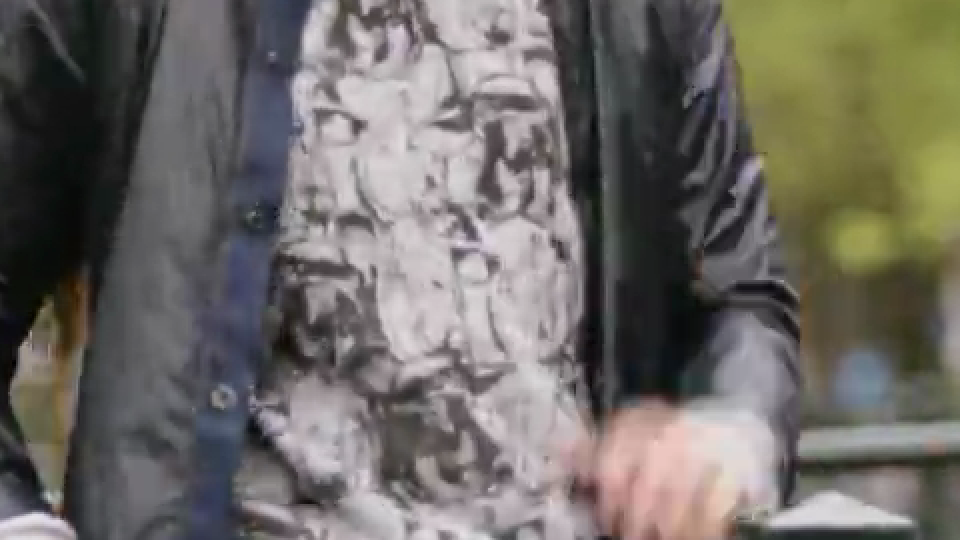
With the compressor’s comparison slider, you can drag the dividing line between the source and the encoded frame.
What to check in your own video
- Read small text. Look at subtitles, game UI and numbers in presentations at the size your recipient will use.
- Watch movement. Camera pans, water and fine textures can turn blocky or smeared in ways a single still frame does not show.
- Check sound and the ending. Play the start and end to catch missing audio, wrong duration or an incomplete export.
If the copy looks too poor, go back to the original and use a lighter setting. Compressing the degraded copy again cannot bring back lost detail.
Choose the right way to make sharing easier
- Only one moment matters: trim the clip first.
- You need the whole recording: try quality-based compression.
- Keeping the original file matters more than sending an attachment: share the original through the cloud storage you already use, and check who can open it.
Lowering the resolution can reduce the size, but small text gets harder to read. Choose the resolution for how the video will be watched.
To make a copy that fits a size limit, use the WhatsApp compressor or the Slack compressor. They let you set a target size and compare it with the actual output size. Their presets are not fixed limits that apply to everyone on those services. If the details your recipient needs become unreadable, try a sharing link or a shorter clip before you compress harder.
What this test does not establish
All three outputs decoded from start to finish without errors. Each holds 10 seconds of 1920×1080 H.264 video in yuv420p. Audio, HDR, playback on phones, how viewers rate the picture, and VMAF were not tested. Neither was the speed of the browser tools.
The raw measurements, commands and SHA-256 hashes are published. The times in that file are single runs, including process startup, not averages.
Footage and frames: Tears of Steel (CC) Blender Foundation | mango.blender.org, CC BY 3.0. Ten seconds of the 4K version were cropped to 16:9, scaled to 1080p and encoded for these comparisons.